
What If Your Staff Don't Use the AI?
Bringing in a new system and AI isn't the end of adoption if staff don't use it. Here is how to build training into the rollout, run old and new tools side by side for a while, and set things up so the AI gets better the more people use it.
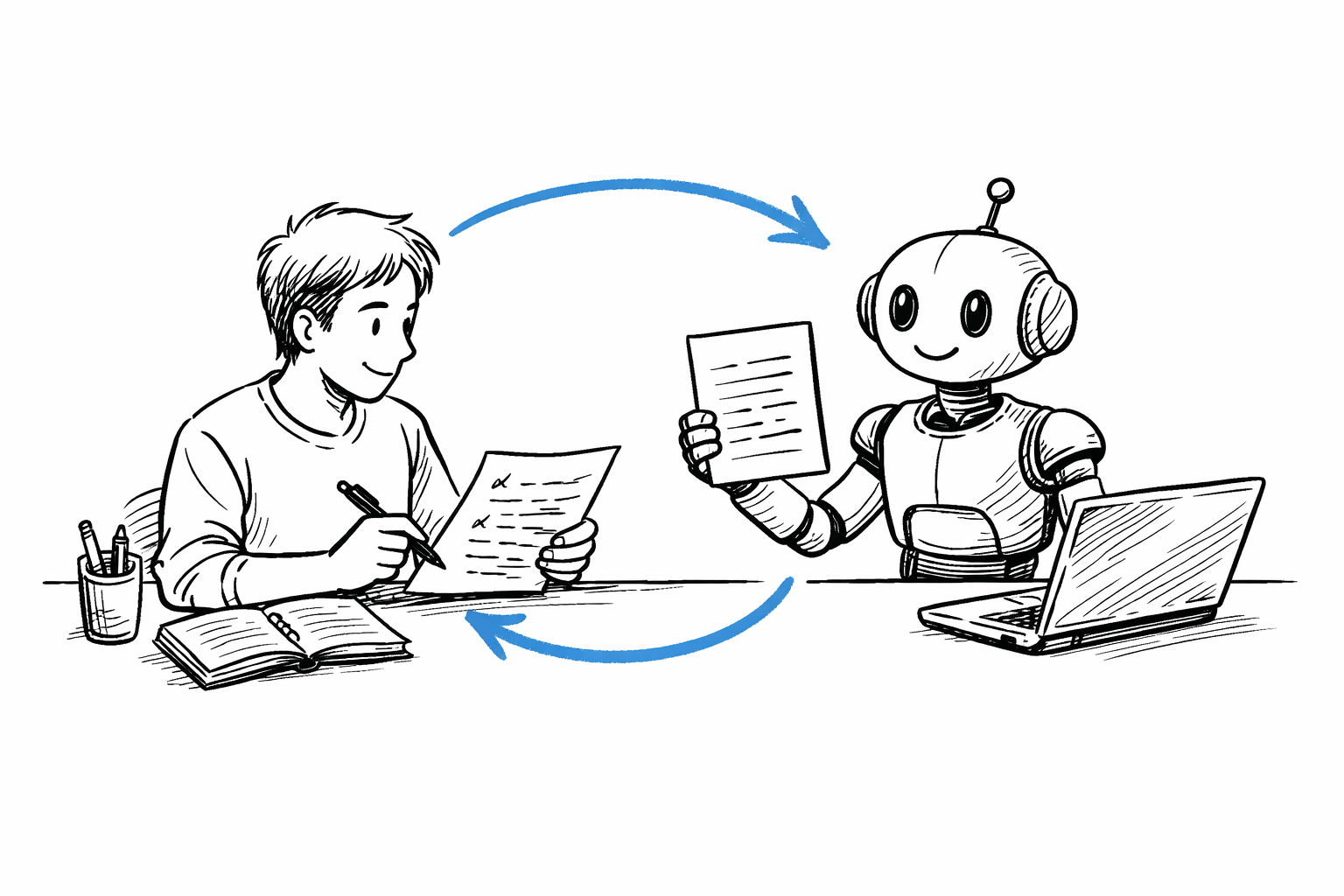
If staff don't use the AI, build training into the rollout itself and set aside a period where the existing tools and the new system run side by side. Then set things up so the AI gets better the more staff use it, which gives them a reason to keep using it. Installing a tool alone does not finish adoption.
Why don't staff use the AI you brought in?
For the first few days, a new system feels less convenient than the tools people already know. On busy days they fall back on the familiar way, and as those days add up, nobody opens the new system anymore.
This happens when training is held once on the day installation finishes. By the time staff actually start using the new system in their daily work, there is no one to ask.
When should AI training happen?
Training is not a separate product; it is part of the rollout. As described on the AX Solutions page, MVPIT's rollout has six steps: discovery, design, rollout, onboarding, AI development, and settling in. Training sits in the fourth step, onboarding.
Staff adoption means the new system and AI are used in real work and nobody drifts back to the old way. Because training comes right after installation, staff put what they learn to use in their own work straight away.
Is training different for each role?
Yes. It is split by what each person does.
Employees move messaging, approvals, leave, and issue tracking onto the new system on the company server and use it for real work. Support agents receive inquiries from every channel on one screen and review answers that the AI has backed with evidence and sources. The development team runs a hands-on workshop, taking one of the company's real specifications from planning to release together with AI. Planning and administrative staff practice writing announcement forms and reports with DocBox.
Every session follows the same principle: give the work to AI, but people make the judgments and verify the results.
Do we have to cut off the tools we use now?
Not right away. The new system and the existing tools run side by side, and at the third-month review you decide whether to cancel the existing tools.
During that period, staff can try the new system without worrying about losing the tools they know. In the third month, the company receives the material it needs to decide whether to switch the old tools off.
How do you keep staff using the AI?
Set things up so the AI gets better the more staff use it. In the budget mobile carrier case published on the AX Solutions page, answers written by the AI never go straight to the customer. A support agent reviews and edits them before sending.
Inquiries with no supporting evidence, policy questions, personal information lookups, and outage reports are handed by the AI to an agent. Answers the agents edit are used by the AI as reference from the next day on. The more agents use the AI, the better its next answers become, so agents have their own reason to use it.
You can see how we stay with you from training to settling in on the AX Solutions page.
Get notified of new posts
We'll email you when a new blog post is published.