Business systems installed inside your own servers
Your data never leaves your company. Every product is complete on its own. And we shape it to your company — unused features come out, and features you need, we build in. This is not take-it-as-it-is software.
ACE
Air-gapped networks supportedAI that answers from your company's data, with evidence
Builds answers from your FAQs, documents, and data. Answers only when there is evidence, shows its sources, and hands over to a human instead of making things up. Personal data stays masked even during processing.
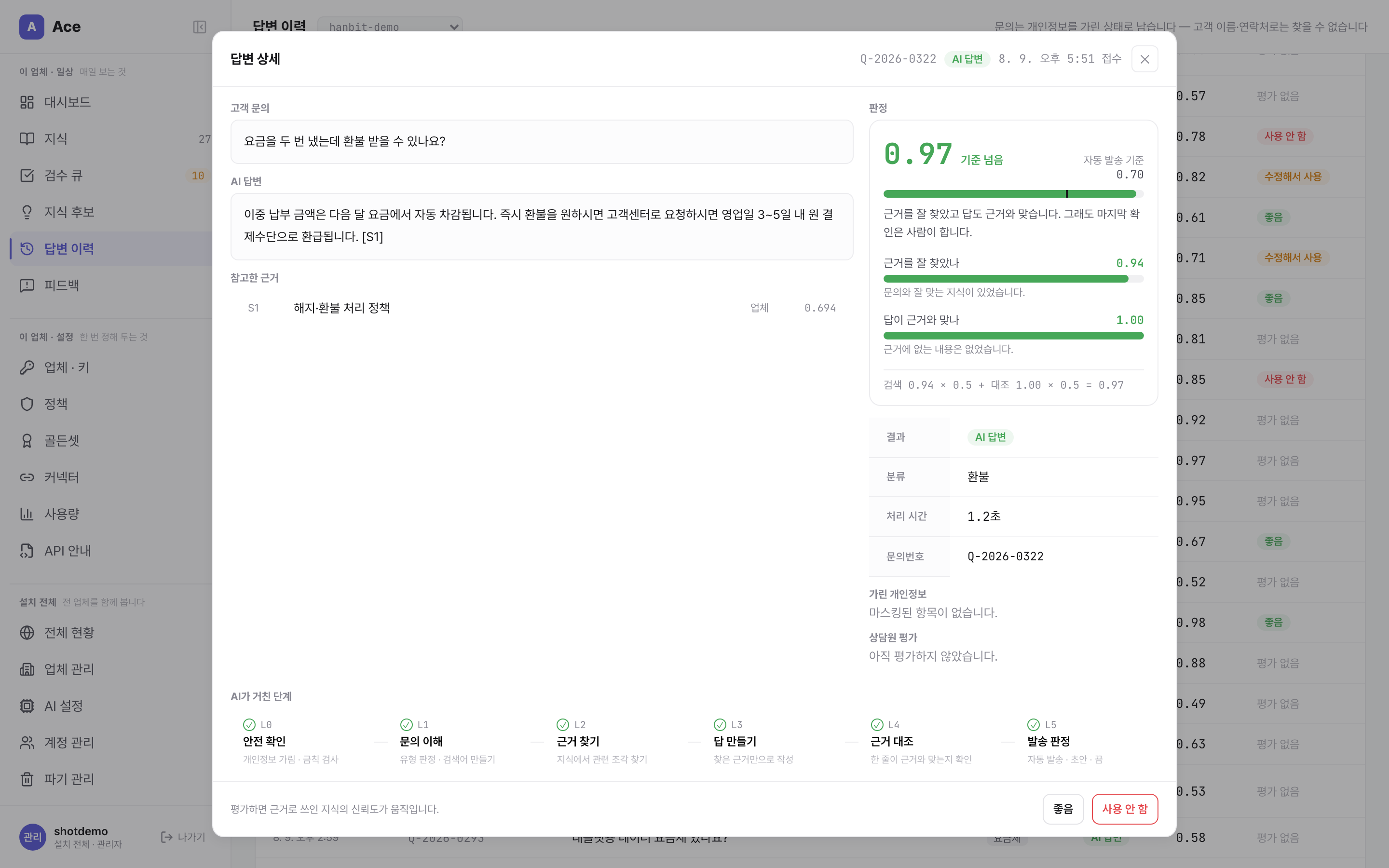
Only with evidence
Answers cite the sources in your company's own materials.
Hands over when unsure
When confidence is low it doesn't make things up — it hands over to a person, with a conversation summary.
Three response modes
Per question type: auto-answer / draft only / don't answer. Draft-only is the default at rollout.
PII masking
Personal data is masked before it reaches the AI; real values are joined outside the model.
Quality gate
A release is blocked if it gets a must-pass question wrong. The metric is wrong answers, not throughput.
Per-response audit log
Every response is recorded. Provider outages fail over automatically; failures hand over to a person.
MultiTalk
Customer chat that installs with one line
A button-driven bot handles first response around the clock; the agent console covers assignment, response, and statistics. Complete without AI — and when you need it, connect ACE for AI-powered support (optional).
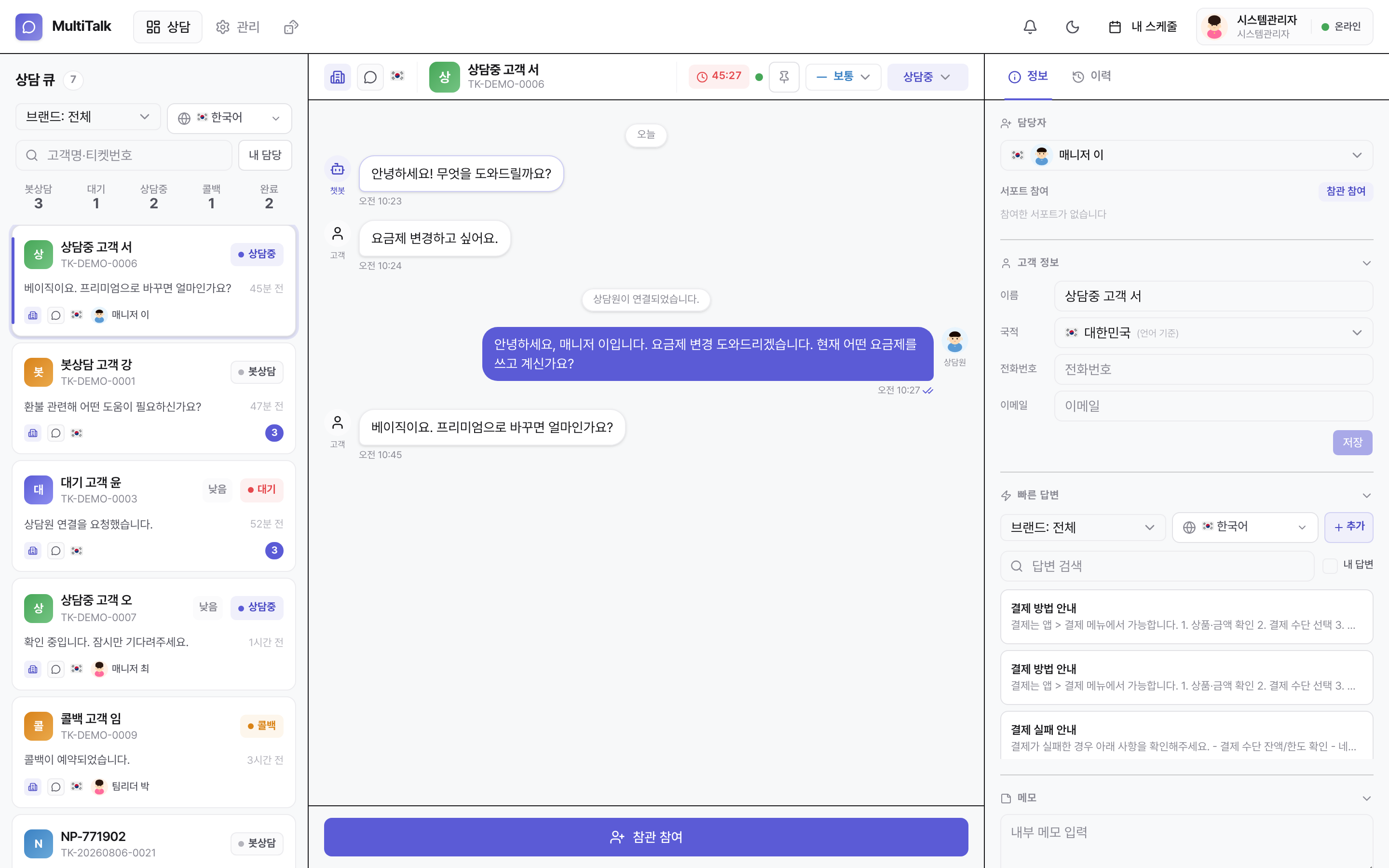
Button bot covers 24/7 first response
Rule-tree based — complete without AI. Edit the tree on screen, roll back to previous versions.
Agent console
Queue, conversation, and customer history in three panes. Attachments, transfers, closing reasons, satisfaction scores.
Six-step auto-assignment
Hours → language → desk → skill → status → load. Unanswered chats are reclaimed automatically.
Separate desks
Split by brand or division — colors, logos, bots, and agents per desk, with information isolated between desks.
Multilingual & schedules
Language-detected assignment, per-desk languages and timezones, after-hours intake with follow-up on return.
Statistics
Live dashboard, agent performance, pivot analysis by period, desk, and language.
BaseWork
Messaging and approvals, inside your own servers
From chat, files, and mentions to approval requests, sign-offs, and document numbering. Approval requests arrive in the messenger. Desktop and mobile apps. On-premises installation or a managed dedicated instance.
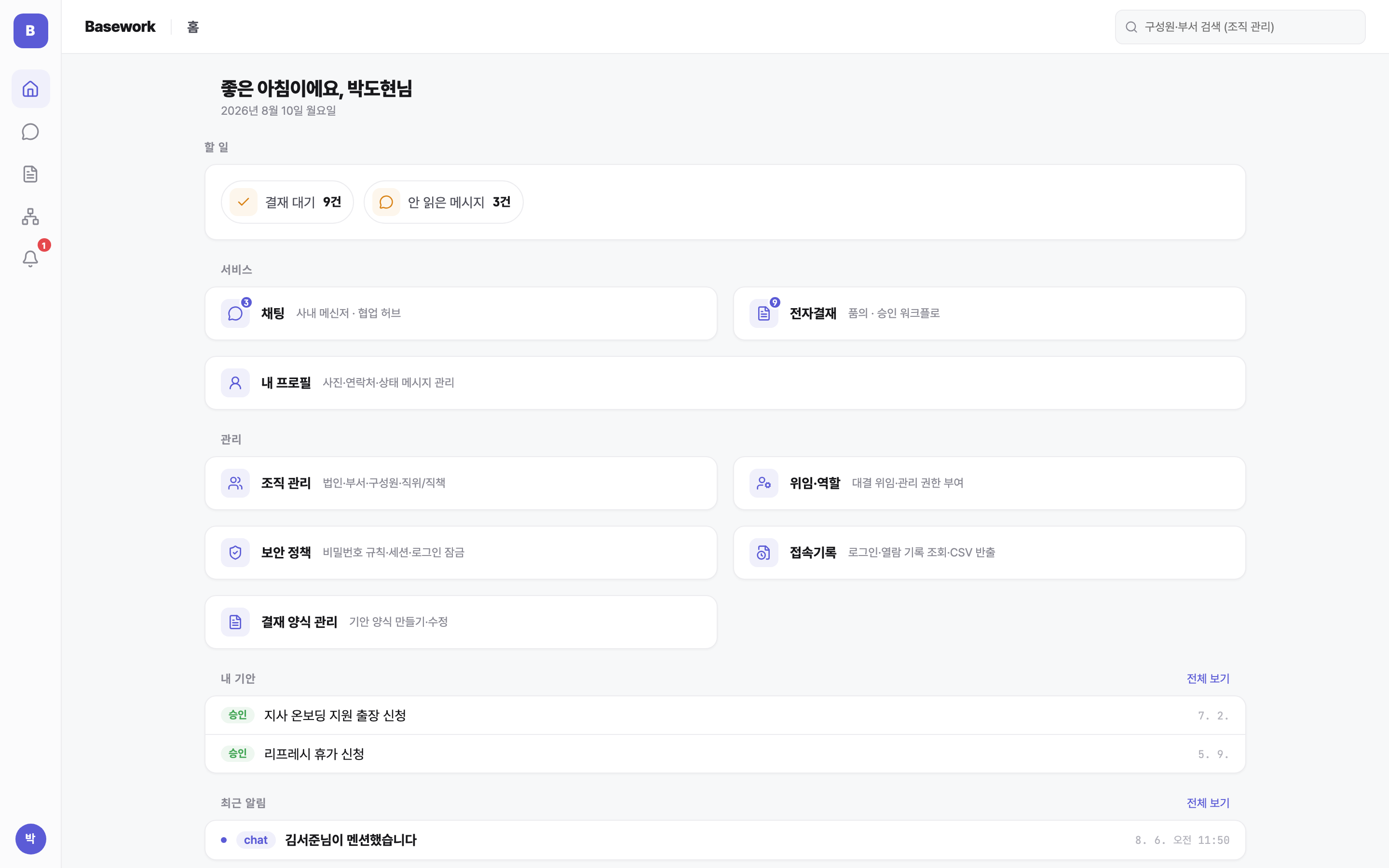
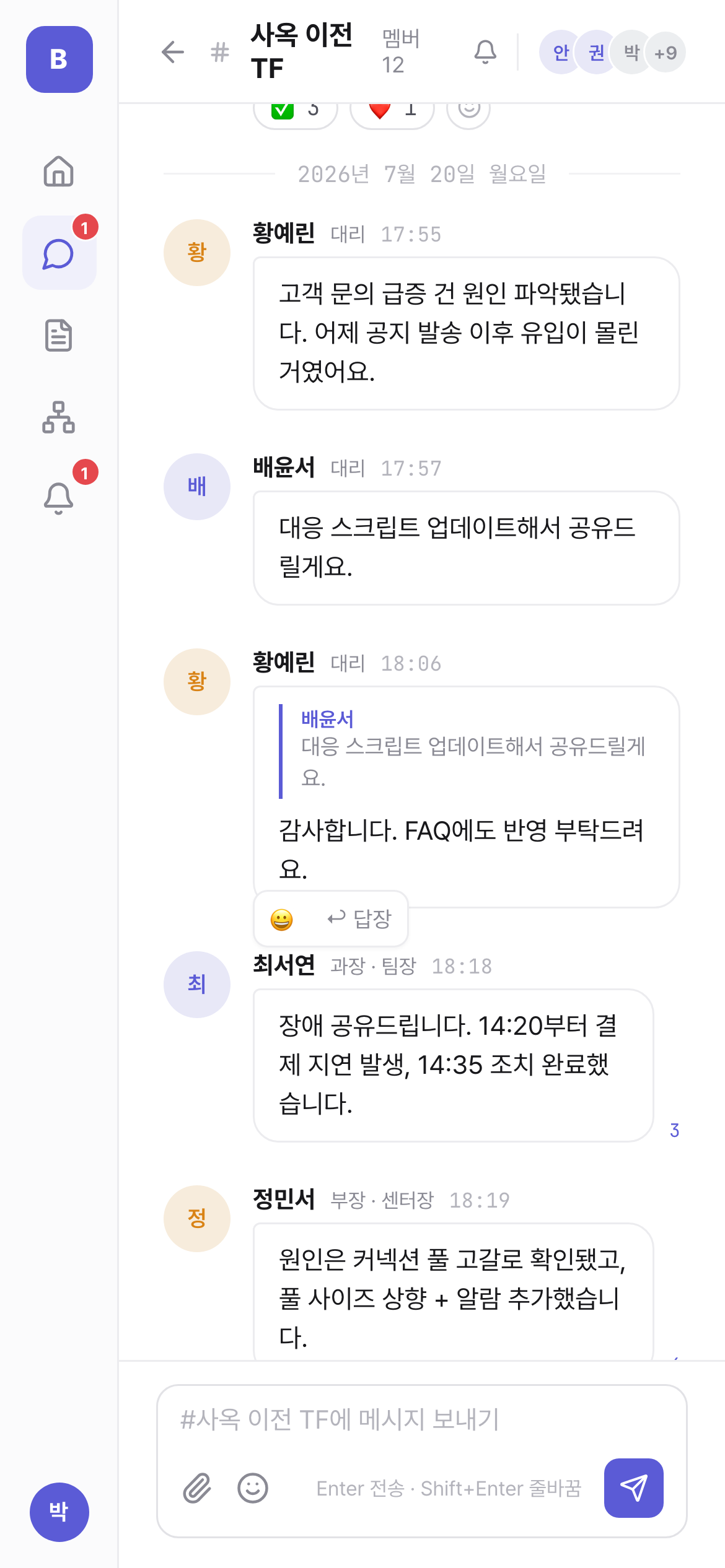
Team chat
Channels, DMs, mentions, read receipts, search. Edits and deletions leave a trace; originals are kept for audit.
Approvals
Draft → approval line → submit → approve/reject → close. Document numbers are issued automatically on approval.
Approval bot
Approval requests arrive in the chat room — approve or reject right there. Same on mobile push.
Desktop, mobile, web
Installed apps for macOS and Windows, push on iOS and Android, full features on web.
Group structure built in
Group > corporation > department, per-corporation approval lines, cross-corporation approvals from day one.
Approval integrity
Name, title, and department at the time of approval are frozen into the document; delegation is marked.
Complete alone, connected when combined
Install only what you buy — unpurchased products aren't even deployed. Combine them and they connect over the same accounts and org chart. No integration work.
Support flows into internal discussion
A customer inquiry becomes a department-channel alert, and the discussion goes straight into an approval. Support → discussion → approval → alert, with no broken links.
Add AI to support
Keep your bot trees, history, and statistics — add AI auto-answers and drafts on top. You can add it later.
Same company accounts
Agents log in with their company accounts and reuse the org structure as is.
How it's delivered
The installed and cloud editions are the same build — air-gapped systems get updates at the same pace.
On-premises
air-gappedAll data stays inside your company. Air-gapped operation supported.
Cloud
Fully isolated storage per company. The fastest way to start.
Custom build
Unused features come out, needed features get built in — or connect just the engine to your existing systems.
Consultation
Tools, headcount, security requirements, corporate structure — then the product mix.
Quote & contract
What's included and excluded is written into the contract.
Install & onboarding
Org chart and accounts, approval forms and default lines, user guidance.
Operations support
The team that built it supports operations and updates.
Contact us